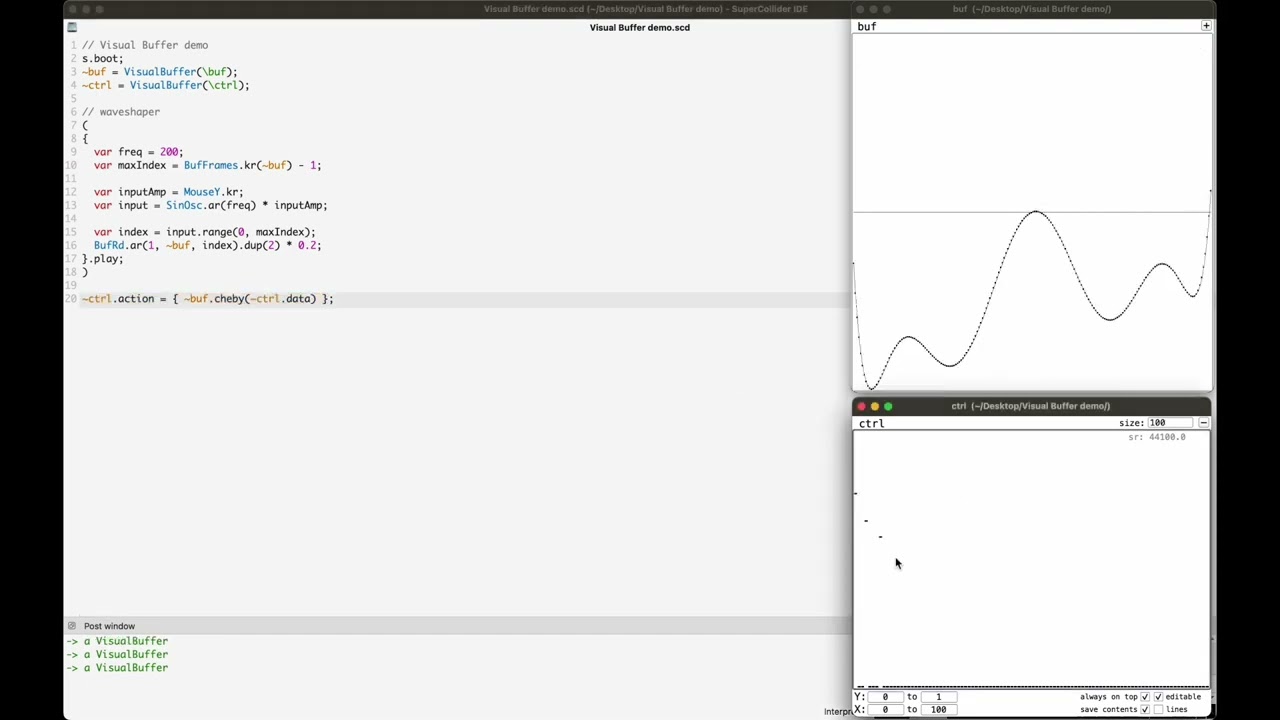
As I posted on here a few weeks ago ago, I recently tried Pure Data again after over a decade. I have been so fond of interacting with arrays, I’ve been trying to see how well I can port them to SC.
Essentially what I’ve made is a wrapper around a Buffer, that tries to bridge smoothly to sclang and gui interaction. It has been mostly successful, for me… The biggest caveats being that as far as I can tell there is no way to tell when a buffer has been written to on the server with e.g. BufWr (I get around this by making a routine to refresh the language side when I know it’s being written to – maybe this is fine), and that also as far as I can tell there’s no way to change the buffer’s sample rate on the server manually, which is mostly fine but sometimes annoying. If anyone has ideas about these things I would love to hear.
My proof of concept is up here:
And here is a little demo video:
Please give feedback, if you try this out. It would be cool if this is useful for more than just me
Interestingly, buffers DO know when they are modified. This is not accessible via the server API in sclang, but it’s visible to UGens (take a look at ScopeOut’s use of m_bufupdates). IIRC this is only used for scopes, and isn’t really exposed anywhere else, but making e.g. a BufChanged UGen that fires a trigger when a buffer is written to would be very useful.
this topic came up today in a dev meeting, and I was looking around the source code for this feature (mSndBufUpdates), so for the records: it seems like it’s only tracking operations that come through osc commands, for example b_read, b_alloc, b_gen..., and I haven’t found any UGen (like BufWr) that actually notifies it. It looks like it’s used only by ScopeOut.