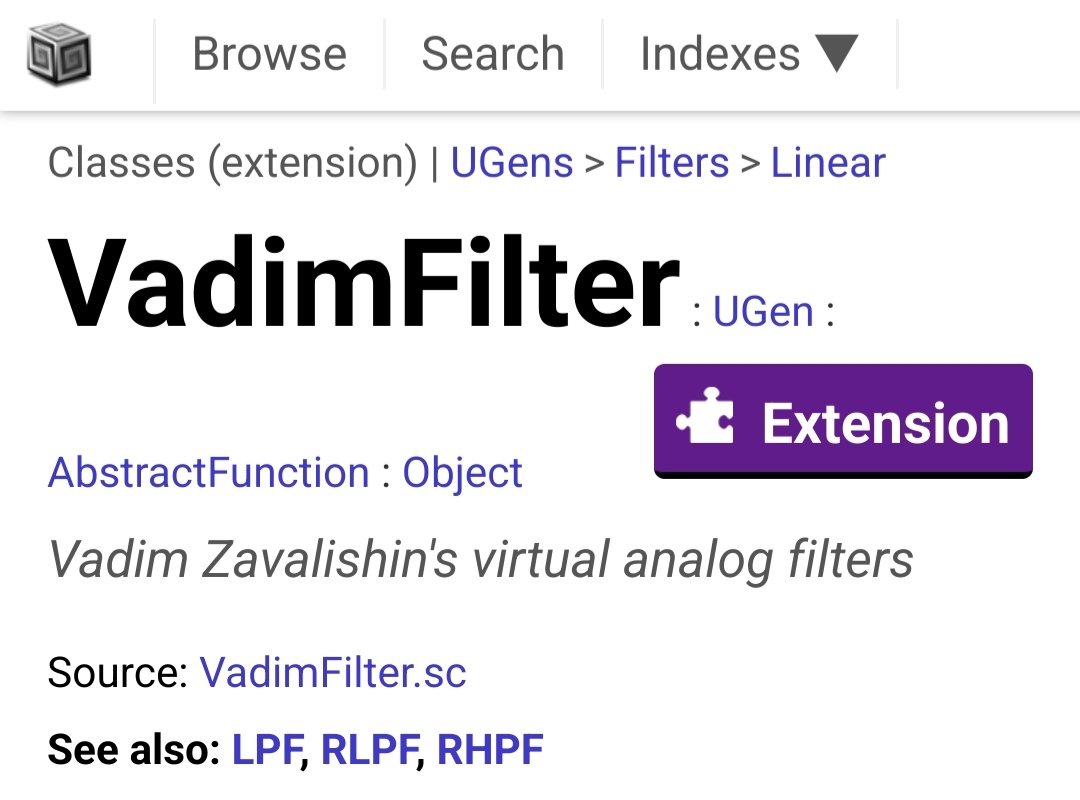
hi there, I see a new VadimFilter Ugen, cool, I wanted to test it, but all I get from the help file example is dead silence… is this a known bug?
tested with macOS and 3.13.0 and 3.14.1
cheers
hi there, I see a new VadimFilter Ugen, cool, I wanted to test it, but all I get from the help file example is dead silence… is this a known bug?
tested with macOS and 3.13.0 and 3.14.1
cheers
It might help if you reference the repo where this filter exists.
oops, I see now this is an extension, but it confused me as I believe SC would only reference docs to internal objects.
sorry for the noise and let me see if I can install this extension now
The official online doc site – http://docs.supercollider.online – does not reference VadimFilter.
http://doc.sccode.org is an unofficial doc site. It does include extensions. All docs for extension classes have a purple “extension” badge at the top:
hjh
I wasn’t on my browser online, this came from navigating the docs within the app… so why does it reference to that?
Am I right to believe it didn’t use to include extensions?
If an extension has been installed (meaning that it exists within one of the “include” paths in the language configuration – Preferences → Interpreter IIRC) and it provides help files, then those help files will be indexed and visible in the search or browse pages.
You can uncheck the “include extensions” option when searching or browsing to restrict those results to core classes. It’s enabled by default, on the assumption that if it’s there, you’d like to see it.
I think it wouldn’t make sense to exclude, by default, help files that have been installed. It does make sense to make it clear which classes are extensions, and to make it possible to hide extensions’ help files – and our help system already has both features.
If you were browsing help locally, then the only way to see VadimFilter’s help is if the VadimFilter.schelp file is present in your system, in one of those aforementioned include paths. Also, if VadimFilter were not installed locally, you would have gotten a “class not defined” error when trying to use it. So it must be there.
Any error feedback in the post window? Or, just nothing? (Maybe the code block didn’t actually run…? Grasping at straws there, but if you have the files and got no results, have to consider it.)
hjh
I was really confused because I thought I was navigating native objects only… but things are starting to make sense now.
So it seems at some point that I don’t remember I have installed plugins… I looked and I see that in fact I have installed something at some point ago (it must have been years ago), so I see that ~/Library/Application Support/SuperCollider/Extensions has ‘PortedPlugins’ with VadimFilter in there.
The problem is that, somehow, it is not installed… I do see a “VadimFilter_scsynth.scx” file, but when trying the help file example I get
exception in GraphDef_Recv: UGen ‘VadimFilter’ not installed.
I have to admit I am not well versed on how to install and run SuperCollider plugins and I’d assume that if they are there it should just work.
Maybe I need to ask on how to install this properly and debug why is it not actually installed
thanks
exception in GraphDef_Recv: UGen ‘VadimFilter’ not installed.
SC unit generators have two components: the binary plugin that is loaded in the server (.scx), and the class file that provides the programming interface to use it in a SynthDef.
In this case, you have files physically on disk, and the class file is available, but the server (for whatever reason) isn’t loading the scx.
Since you say the files are years old, I would guess a version mismatch between the server and the plugin file (just as in Pd, a very old version of an external may not work with newer Pd).
First guess, then, is to move the old folder out of Extensions and replace it with a newer MKPlugins (“mk” because doc.sccode.org shows MKPlugins in the path for the help file).
hjh
it might have been a couple of years ago as my computer isn’t that old and it seems the problem is that the code is not for apple silicon. I tried checking Release v0.4.1 · madskjeldgaard/portedplugins · GitHub and the last release is from 3 years ago and it seems there’s no apple silicon binary…
I get
Last login: Sun Aug 9 22:17:56 on ttys000
alexandreporres@Alexandres-MacBook-Air ~ % file ~/Library/Application\ Support/SuperCollider/Extensions/PortedPlugins/VadimFilter_scsynth.scx
/Users/alexandreporres/Library/Application Support/SuperCollider/Extensions/PortedPlugins/VadimFilter_scsynth.scx: Mach-O 64-bit bundle x86_64
alexandreporres@Alexandres-MacBook-Air ~ %
Ok, I was able to run it now. It wasn’t easy and I needed to rely on AI… here’s the full story.
I initially had PortedPlugins already in my SuperCollider Extensions folder, which I didn’t remember, but VadimFilter was not loading because the existing VadimFilter_scsynth.scx was an x86_64 binary on my Apple Silicon Mac. The repo had no arm version, so I then did a new fresh SuperCollider install and installed Quarks.
Plugins.installPlugin("portedplugins") failed because it wouldn’t find cmake, as it said it wasn;t installed, but I had it installed via homebrew
SuperCollider’s PATH was only /usr/bin:/bin:/usr/sbin:/sbin, so SC couldn’t see Homebrew’s CMake.
I then did
export PATH=“/opt/homebrew/bin:$PATH”
open -a SuperCollider
so it was visible to the SuperCollider process
PortedPlugins compiled and installed successfully, but it had been built against SuperCollider 3.15.0-dev, while I was running 3.14.1, producing API version mismatch errors (Plugin API 6, expected 3).
I then installed the matching SC development version, and the newly compiled PortedPlugins, including VadimFilter, finally loaded correctly.
I wonder if things could be easier 
thanks for the help